
Better banners start here.
Practical guides, examples and answers for creating banners that look better, move better and work where you need them.

Email banner guides
Sizes, GIFs, signatures, installation and campaign ideas - all in one place.
Animated Email Signatures: The Complete Guide
What an animated email signature actually is, how to design one that still reads when motion is blocked, and how to get it into your mail client.
Read the guide6 min read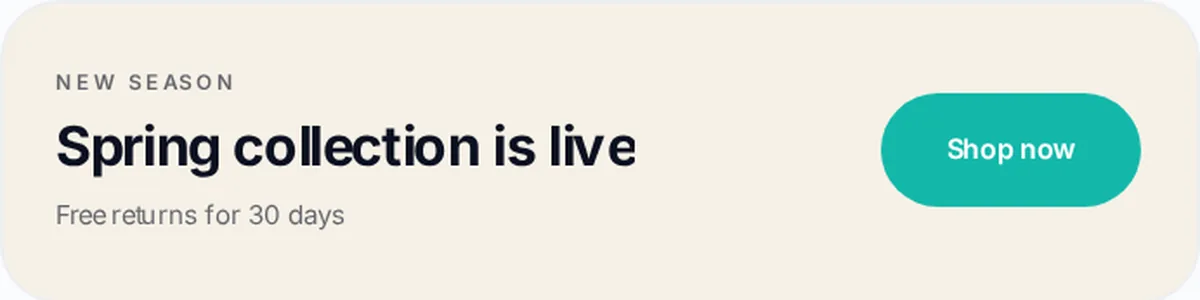
Email Signature Banner Size & Dimensions Guide
Practical starting dimensions for signature banners, how they behave on mobile, and how to export so nothing looks blurry.
Read the guide4 min read
How to Add an Animated GIF to Your Email Signature
Platform-by-platform instructions for inserting a GIF banner, linking it, testing it and fixing it when it shows as a still image.
Read the guide3 min readHow to Add a Banner to Your Gmail Signature
The Gmail-specific walkthrough: where the signature setting lives, how to insert and link the banner, what size Gmail expects and what to do when it will not show.
Read the guide9 min readHow to Create an Email Signature in Outlook and Add a Banner
The Outlook pillar: signature setup in every current version of Outlook, then inserting a logo, adding a promotional banner and making it clickable.
Read the guide13 min read
Black Friday Email Banner Ideas & Examples
Eight angles for a Black Friday banner, each shown as a real design you can open in the editor.
Read the guide3 min read
How to Create an Email Banner for Free
What you can genuinely make for free, what to look for in a free banner tool, and where Bannerly's free plan stops.
Read the guide3 min read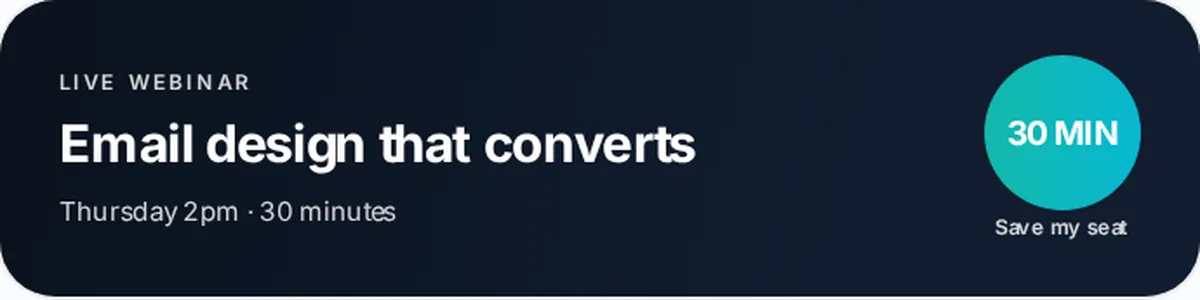
Animated vs Static Email Banners: Which Should You Use?
The same design, shown static and animated, plus an honest comparison of where each one wins.
Read the guide4 min readQuestions people ask about email banners
- Can I use an animated GIF in my email signature?
- What size should an email signature banner be?
- How do I add a banner to my Gmail signature?
- Why is my Gmail signature banner not showing?
- How do I add a GIF to Outlook?
- Are animated email banners better than static ones?
- Where can I create an animated email banner for free?
Browse by topic
Design, animate and install a signature banner.
600 × 150 and the alternatives, explained.
When motion helps and when it gets in the way.
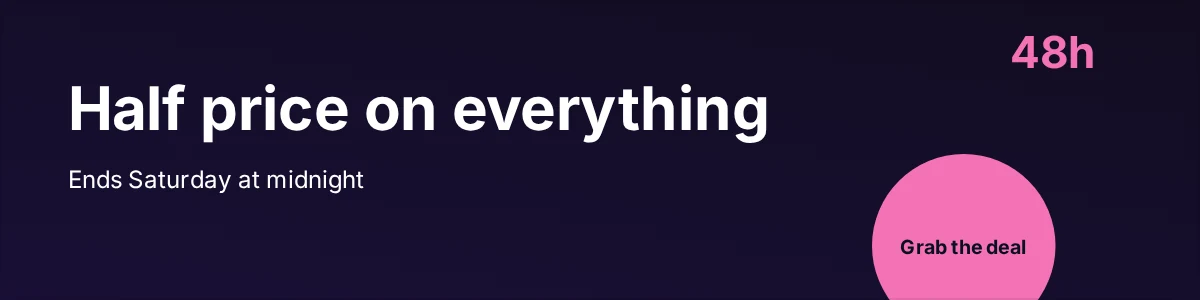
Eight angles that work in a busy inbox.
Step-by-step installation and troubleshooting.

Black Friday examples you can open and edit.
Read enough? Make one.
Take what you've learned and create your banner in Bannerly.