Create Google Display banners in the right size
Choose a Google Display format, customise your design, preview it and export a banner that is ready for your Google Ads workflow.
Choose your size · Edit visually · Export when ready
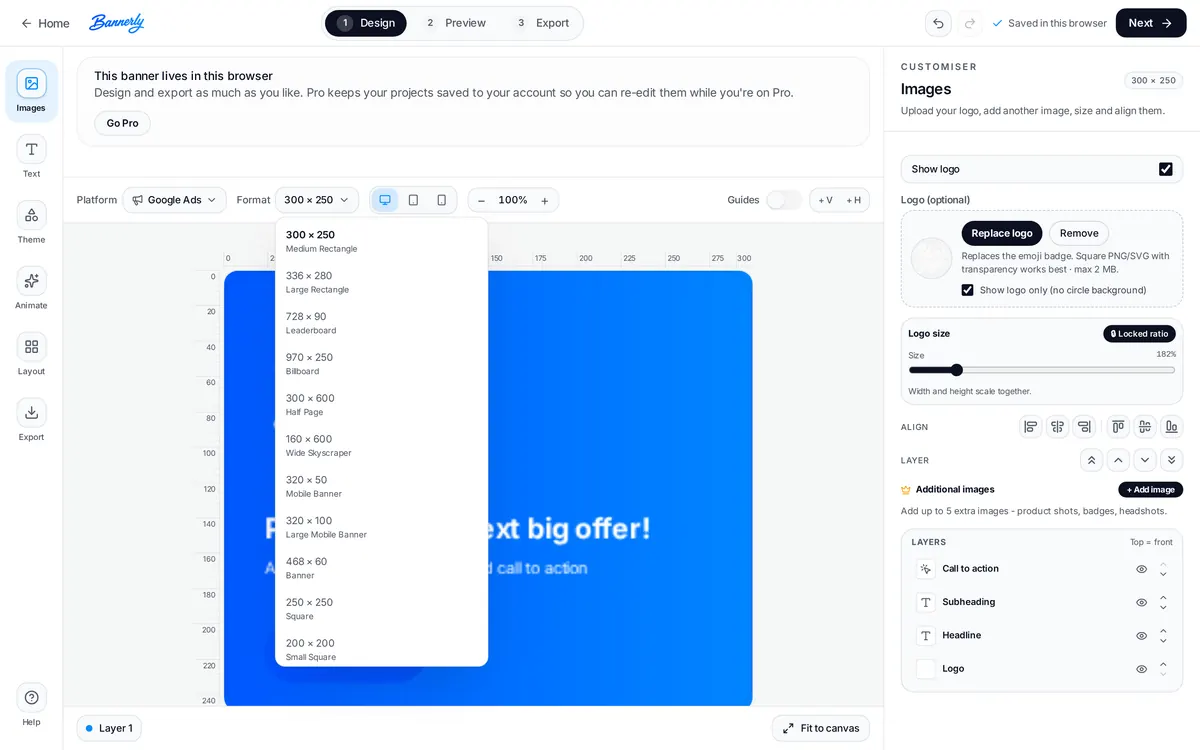
Popular Google Display banner sizes
These are common sizes Google supports for uploaded image ads. Google supports further sizes too - these are the ones most campaigns start with.
Availability varies by campaign type and placement. Google's image ads help page lists the full set of supported sizes.
Pick the platform, then the format
Bannerly's editor works platform first. Choose Google Ads, then choose the display format you need - the canvas, layout and export all follow that choice.
The most widely used display slot - good for a first banner.
A wide leaderboard that sits above or below page content.
A tall half-page unit with room for more detail.
Create your display banner in three steps
Choose a format
Select the Google Display size you need.
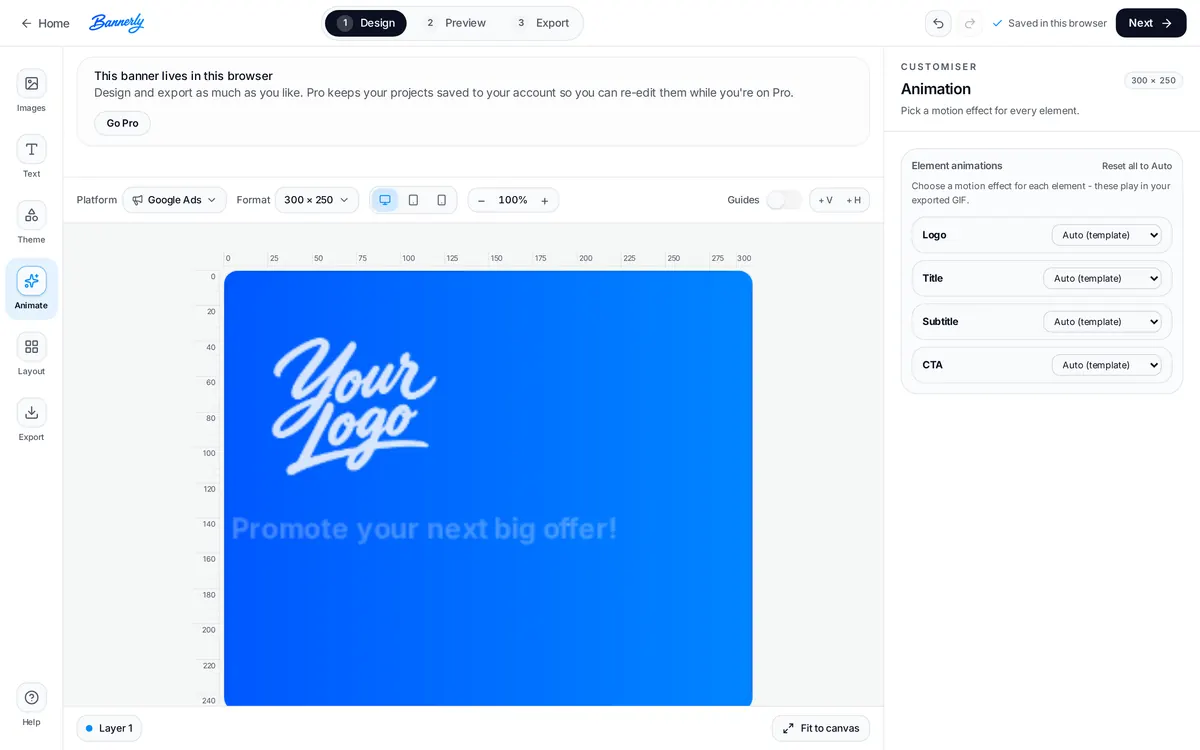
Design and animate
Add your logo, headline, CTA, colours and motion.
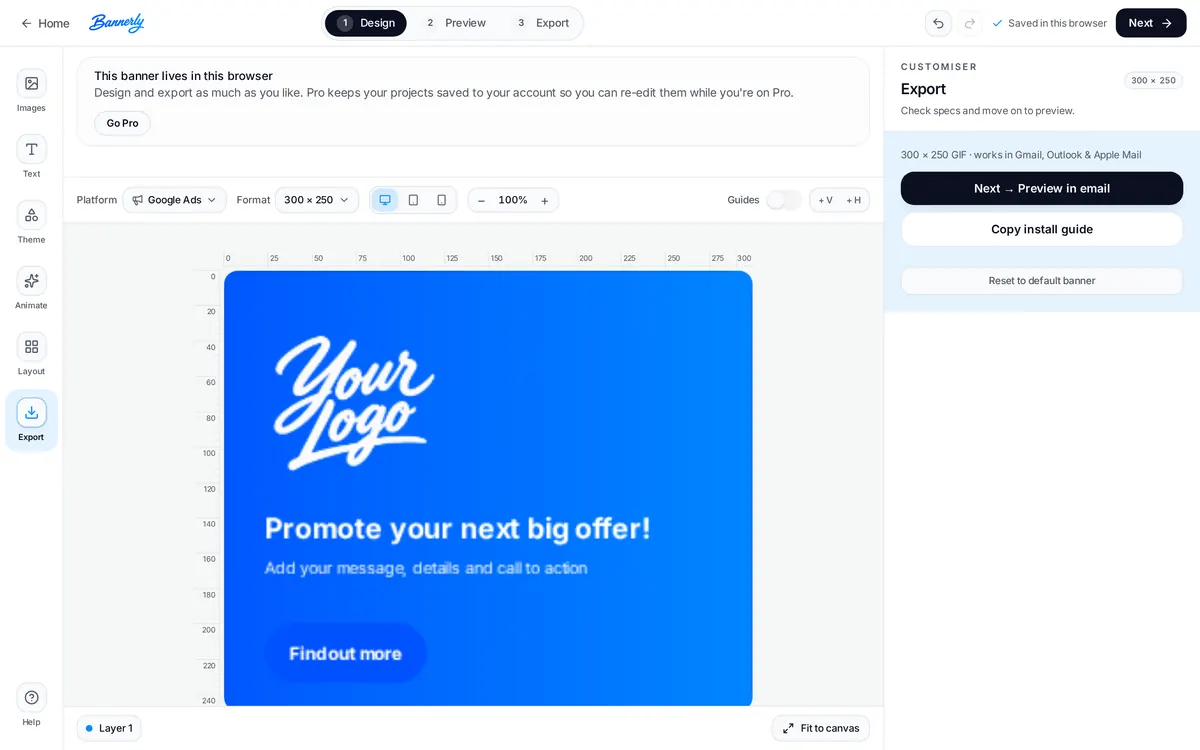
Preview and export
Check the final layout and export the asset for your campaign workflow.
One campaign. Multiple banner sizes.
Start with one design, then adapt it to other Google Display formats without rebuilding everything from scratch.
Switching format keeps your content and refits the layout to the new canvas. It is not automated multi-size generation: switch formats and adjust your layout in the editor, then export each size you need.
Static or animated display banners
Google supports uploaded image ads in GIF, JPG and PNG. Google's current specifications state that GIF image ads may be animated, that animation must be 30 seconds or less, and that GIF playback must be slower than 5 frames per second. Uploaded image ads have a maximum file size of 150 KB.
Static
- JPG or PNG
- Simple and lightweight
- Easiest to keep within the file size limit
Animated
- GIF
- Can add movement and emphasis
- Must stay within Google's current animation and file size requirements
Create and export your banner, then check the final file size against Google Ads requirements. Google Ads policies and specifications can change - always check Google's ad specifications and the uploaded image ads help page before uploading a campaign asset.
Uploaded banners or responsive display assets?
Both appear on the Google Display Network, but they are built differently.
Uploaded display ads
You upload a finished banner creative at a supported size, so you keep direct control over the layout, wording and look of the ad. This page focuses on those banners.
Responsive display ads
You supply individual assets - images, logos, headlines and descriptions - and Google combines them dynamically. Google currently recommends 1200 × 628 landscape and 1200 × 1200 square images, with a 9:16 vertical option also supported in current guidance. See Google's responsive display ads guidance.
Need responsive-display assets instead? Bannerly can still help you create the individual image assets, but Google assembles those ads differently.
Create display banners for different campaign goals
Product launches
Announce something new with a clear headline and a single action.
Special offers
Promote a discount, code or seasonal deal across display slots.
Event promotion
Drive registrations with dates, location and a ticket link.
SaaS campaigns
Point people to a trial, demo or feature launch.
Ecommerce promotions
Highlight a collection, bestseller or delivery offer.
Remarketing creatives
Remind previous visitors of the offer they looked at.
Start with a Google Ads canvas or build your own
Each option opens Bannerly's default starting design on that Google Ads canvas, ready for your logo, wording and colours. These are starting canvases, not pre-made campaign templates.
Offer or launch message
Short headline and CTA
Detail-rich campaign
Compact mobile banner
Google Display banner questions
What sizes can I create for Google Display ads?
Can Google Display banners be animated?
What file types can I upload to Google Ads?
What is the maximum file size for an uploaded image ad?
Does Bannerly upload ads directly to Google Ads?
Can I create multiple sizes from one design?
Are responsive display ads the same as uploaded banner ads?
Create your next Google Display banner
Choose a format, customise your design and export when you're ready.
More from Bannerly: banner maker home, pricing and the banner guides.